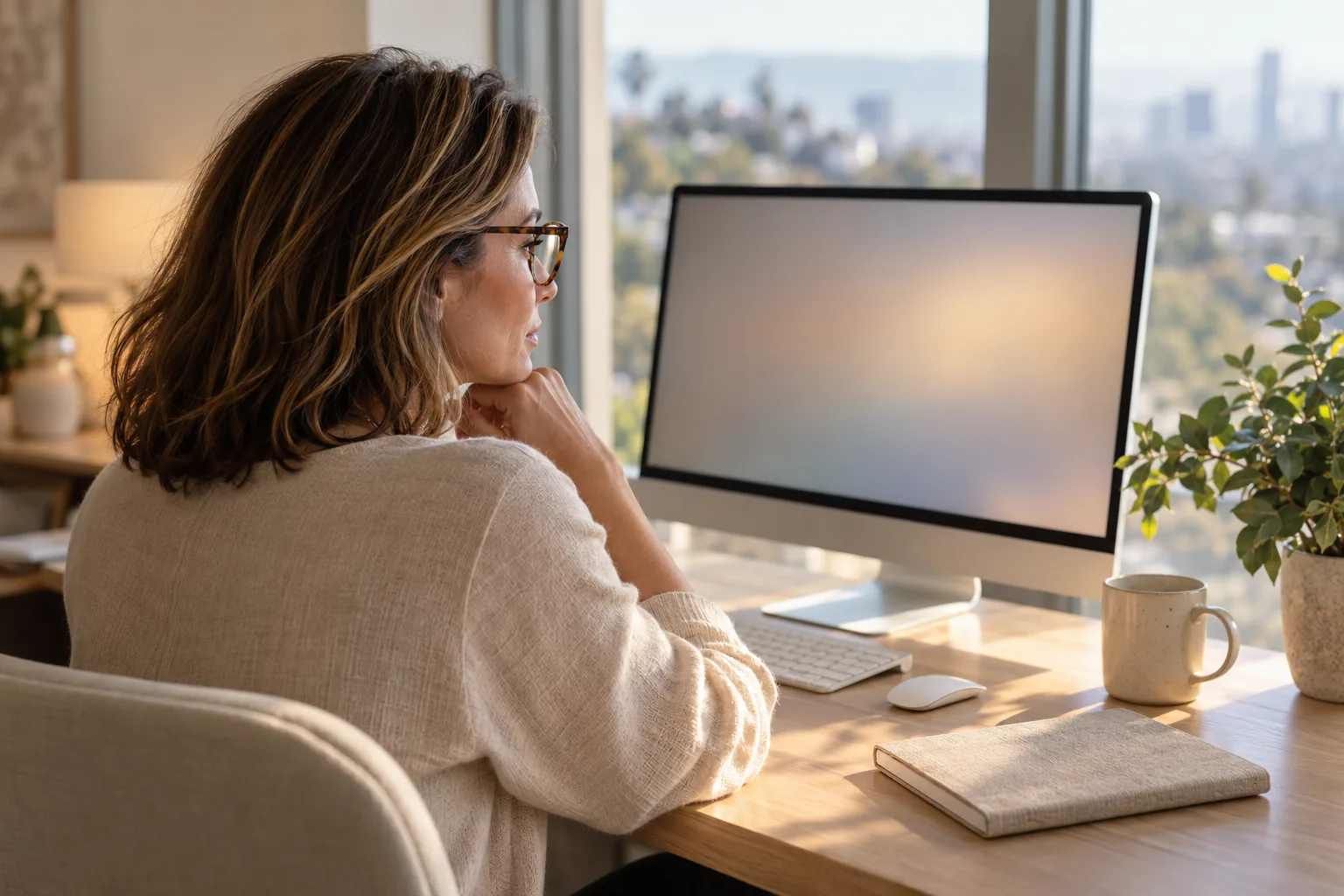
Computer glasses are prescription glasses set for the distance to your screen, which sits about 20 to 30 inches from your eyes. Glasses made for distance, reading or both may not give you the most efficient vision at that range. Computer glasses can help if you're in your 40s or older and close focus is slipping, if your everyday progressives make you tilt your head to see the monitor, or if your current prescription doesn't suit screen work. A blue light filter isn't part of what makes them work: blue-light filtering lenses may not reduce eye strain from computer use.
Key takeaways
- Computer glasses use a lens power chosen for your screen, about 20 to 30 inches away, where distance or reading glasses may not give the most efficient vision.
- Signs you may need them include tilting your head to see the screen, close work blurring in your 40s or later, and eyes that ache during screen work.
- Office progressives widen the clear zone at the monitor and for reading but give no clear distance vision, so switch to everyday glasses before you drive.
- A blue light filter isn't needed for eye strain, since a 2023 review of 17 trials found filtering lenses may not reduce it over short follow-up periods.
01
What are computer glasses?
They're glasses prescribed for the work you do at a screen. The American Optometric Association says glasses or contact lenses prescribed for general use may not be adequate for computer work, and that lenses prescribed for the visual demands of computer viewing may be needed.
Two designs are worth knowing:
- Single-vision computer glasses, with one lens power chosen for your screen distance.
- Office progressives, also called computer progressives, which give a wider zone of clear vision at the monitor and for reading, but no clear distance vision.
Keep either kind for the desk. Computer glasses aren't made for all-day wear, and office progressives are generally not suitable for driving, so switch to your everyday glasses before you drive.
02
Who needs computer glasses?
Anyone whose eyes don't focus comfortably at screen distance with what they wear now. Even people with a glasses or contact lens prescription may find it isn't suited to the specific viewing distance of their screen. These signs point that way:
- You lean toward the screen or tilt your head to see it clearly. People do this when their glasses aren't designed for computer work, and the posture can lead to neck, shoulder or back pain.
- You're in your 40s or later and close work has started to blur. Many adults start having trouble seeing clearly up close in their early to mid-40s, especially when reading and working on the computer.
- Your eyes ache or your vision blurs at the screen. Uncorrected vision problems, weak focusing or eye coordination, and presbyopia can all bring on symptoms during computer use.
03
Can you use reading glasses as computer glasses?
Sometimes, but they're set for a closer distance than a screen. The AOA notes that glasses for reading may not give the most efficient vision at a computer screen, which sits about 20 to 30 inches away.
Drugstore readers have another limit. They're one power for both eyes at one distance, and buying them off the rack skips the eye exam that catches eye disease, as our presbyopia guide puts it.
If you work from printed pages, keep them at about the same distance as the screen. The AOA recommends placing reference material at the same distance from your eyes as the screen, and as close to it as possible.
04
What if I already wear progressive lenses?
You may still want a separate pair for the desk. Everyday progressives give clear vision from distance to near, while office progressives widen the zone you use at the monitor and for reading.
In a 2015 study, 23 tax office employees with presbyopia, who worked mainly at a computer, tried both kinds at work, each for two weeks. With the office lenses, they rated vision at the monitor better and tilted their heads 2.3 degrees less to see the screen; the everyday progressives gave better distance vision.
Preferences were split. Asked before they knew which lens was which, 61 percent preferred the computer lenses. After learning the trade-offs and wearing both freely for another eight weeks, 44 percent did, and the researchers concluded that individual factors seem to play a role.
A 2018 Cochrane review found that office progressives might ease eye symptoms slightly more than everyday progressives in the short term, though the evidence is weak.
05
Do computer glasses need a blue light filter?
Not for eye strain. A 2023 Cochrane review of 17 randomized trials found that blue-light filtering lenses may not reduce eye strain from computer use compared with lenses without the filter, over the short follow-up periods studied.
The AOA does list special lens designs, lens powers, tints and coatings among the options that may help visual comfort at a computer.
Glare has simpler fixes. Position the screen to avoid glare from overhead lights and windows, and use a screen glare filter if you can't cut the glare at its source. Our screens and dry eye page explains why blue-light glasses don't fix screen-related dryness either.
06
How do you get the right computer glasses?
Start with an eye exam that tests your vision at your working distance. Digital eye strain can be diagnosed in a comprehensive exam that puts special emphasis on the computer working distance, including a refraction to find the right lens power and tests of how your eyes focus, move and work together.
- Set the screen up first. The AOA suggests 20 to 28 inches from your eyes, with the center of the screen 15 to 20 degrees below eye level, about 4 or 5 inches.
- Then measure the distance from your eyes to your main screen, and note any second monitor or laptop you use.
Habits still matter with new glasses. Every 20 minutes, look at something 20 feet away for 20 seconds; rest your eyes for 15 minutes after two hours of continuous computer use; and blink often to lower the chance of dry eye. Spending a lot of time on a computer, tablet or phone can cause dry eye.
07
How we fit computer glasses at Cohenmehr Optometry
During a comprehensive eye exam, part of our computer vision syndrome care, we evaluate your visual system, focusing and eye alignment to find the underlying cause of your screen symptoms.
Depending on what we find, your plan can include customized computer or office lenses, contact lens options for screen work, changes to your screen setup and treatment for the dry eye that often comes with screen use. Your prescription goes straight to the optical at our eye clinic in Los Angeles, where the lenses are built to your frame and measurements.
If end-of-day headaches come from a small misalignment between where your eyes aim up close and where they rest, the same visit can include the measurement for Neurolens, a lens with a contoured prism that is often used to relieve that strain.
08
Questions patients ask
Do you need computer glasses if you have 20/20 vision?
You might. 20/20 describes how sharply you see at a distance of 20 feet, and it doesn't necessarily mean perfect vision: focusing ability and eye coordination are separate skills. Screens sit at arm's length, and the AOA notes that people who don't need glasses for other daily activities may still benefit from glasses prescribed for computer use.
Can astigmatism cause eye strain at the computer?
It can. Astigmatism happens when the cornea (the clear front layer of the eye) or the lens has a different shape than normal, which makes vision blurry or distorted, and eye strain and headaches are among its common symptoms. The AOA counts uncorrected astigmatism among the vision problems that contribute to symptoms at a computer. Mild astigmatism may cause no symptoms at all, so an exam is how you find out whether yours needs correcting for screen work.
Does eye fatigue from screens go away?
Often, yes. Many of the vision symptoms people get from computer and device use are temporary and ease after they stop screen work, according to the American Optometric Association, though some people notice blurred distance vision that lingers after they stop. If the underlying cause isn't addressed, the symptoms will keep coming back and may get worse with future screen use. If that's your pattern, have your focusing, eye teaming and prescription checked.
Could convergence insufficiency be behind my screen strain?
It could, if the strain comes with close work. Convergence insufficiency is an eye condition that affects how your eyes work together when you look at nearby objects, and it can cause tired or sore eyes, headaches, blurry or double vision and trouble reading. You can have perfect vision and still have it, so reading the eye chart won't catch it; it takes tests of how far your eyes turn inward and how well they switch focus between near and far. Convergence exercises, a type of vision therapy, can treat it; see our guide to convergence insufficiency.
09
Sources
- American Optometric Association: Computer vision syndrome
- American Optometric Association: Adult vision, 41 to 60
- American Optometric Association: Visual acuity
- National Eye Institute: Dry eye
- National Eye Institute: Astigmatism
- National Eye Institute: Convergence insufficiency
- Clinical and Experimental Optometry, 2015
- Cochrane Database of Systematic Reviews, 2023
- Cochrane Database of Systematic Reviews, 2018

Written by
Dr. Bijan Cohenmehr, OD
Founder of Cohenmehr Optometry, in practice for over 40 years. He leads the practice’s dry eye care and myopia management. A graduate of SUNY College of Optometry.
About Dr. Bijan →